
Leaderboard · Local services
Dental & medical clinics
Marketing plays for dental & medical clinics, ranked by votes.
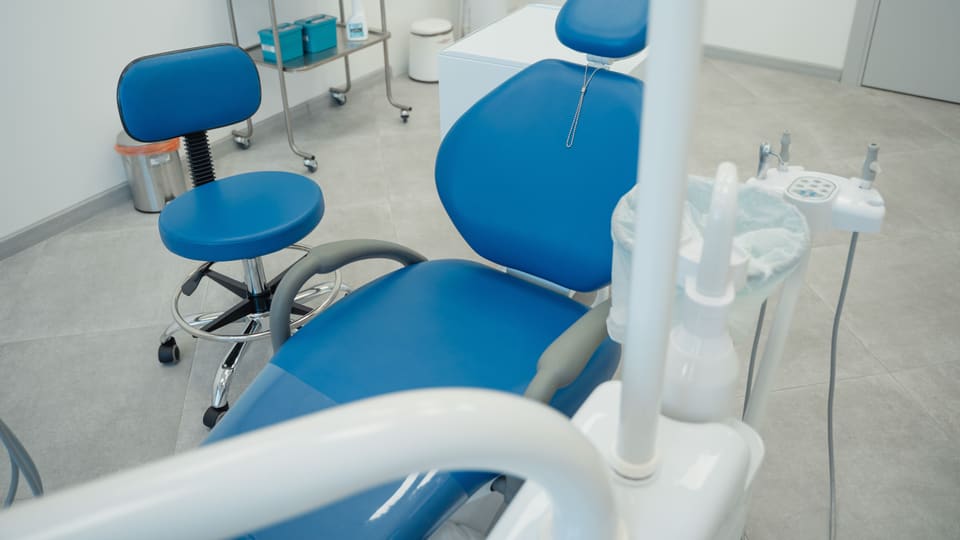
Photo: Tima Miroshnichenko
-
1
Referral thank-you note when a patient sends someone new
When a new patient tells your front desk they were referred by an existing patient, send that existing patient a handwritten or printed thank-you card in the mail within a week. Check your state and professional board rules before offering any cash or discount tied to referrals, since some restrict the practice.
-
2
Hygiene appointment reminder tied to the season, not just the calendar
Twice a year, in early September and early March, send an email to your full patient list reminding them that routine cleanings are typically recommended twice yearly and that now is a good time to check when they're due. Link directly to your online scheduler in the email.
-
3
Insurance and new-year benefits reminder email in December
In the first week of December, email patients whose insurance benefits reset or expire at year end, reminding them that unused benefits may not carry over and linking to your online scheduler. Keep the tone informational and avoid promising coverage details, since plans vary.
-
4
Google Business Profile post explaining a new service in plain language
Once a month, write a Google Business Profile post that explains one service you offer, such as teeth whitening or a wellness checkup, in plain language without describing expected outcomes. Include your hours and a scheduling link, and swap the topic each month.
-
5
Local employer lunch and learn on preventive checkups
Reach out to HR at a nearby business and offer a short lunchtime session at their office where a member of your team explains what a routine checkup or cleaning involves and answers general questions. Bring simple handouts with your scheduling link and hours, and avoid discussing any individual's health.
-
6
Direct mail postcard to new residents within two miles
Use a mailing list of new movers within a two mile radius and send a postcard introducing your practice, your hours, and a new patient offer such as a discounted first exam. Include a phone number and a QR code to your booking page so people can respond either way.
-
7
Recall list text for patients six months past their last cleaning
Run a report in your practice management system for patients whose last cleaning was six months ago or more. Send them a text with a direct link to your online scheduler and a short line noting they're due for a routine visit, then follow up by phone with anyone who hasn't booked within two weeks.
-
8
Automated appointment reminder text 48 and 24 hours out
Configure your scheduling software to send one text reminder 48 hours before an appointment and a second 24 hours before, each including the date, time, and a link to reschedule online. Add the office phone number in case a patient needs to speak to someone directly.
-
9
Post-visit review request email sent the next morning
The morning after a routine visit, send an automatic email thanking the patient for coming in and including a direct link to your Google Business Profile review page. Keep the message to three sentences and avoid asking for a review from anyone who had a difficult or urgent visit.
-
10
New patient welcome packet emailed before the first appointment
When someone books a first appointment online, trigger an automatic email that includes your intake forms as a link, parking or transit directions, and what to bring, such as insurance cards and a list of current medications. Send it immediately after booking, not the day before.
No plays yet for Dental & medical clinics. Submit the first.