

Leaderboard · Creators & education
YouTubers & streamers
Marketing plays for youtubers & streamers, ranked by votes.
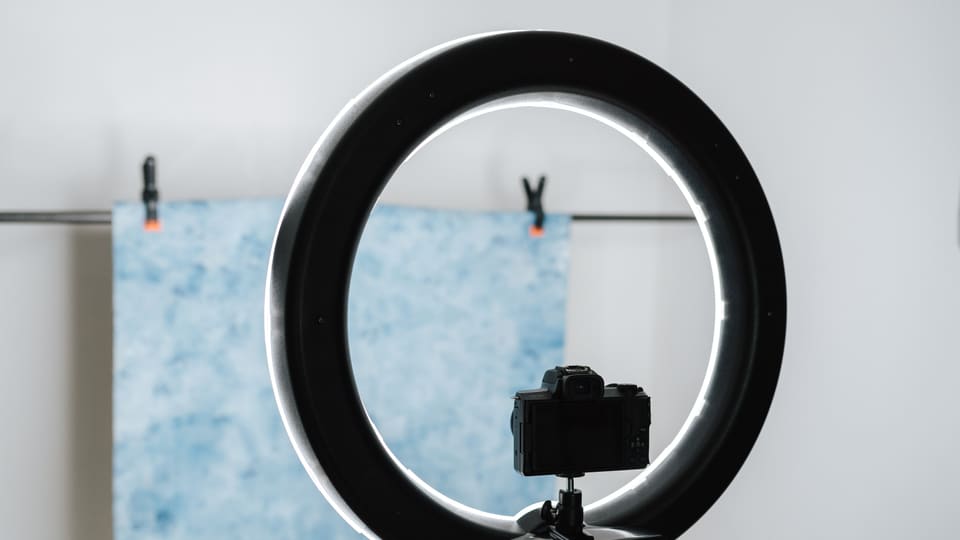
Photo: Anete Lusina
-
1
Organize your uploads into a named, recurring series
Group your content into two or three named series, each with its own consistent format, thumbnail style, and day of the week. Add a playlist for each series and mention the series name at the start of every video so new viewers know which one they are watching.
-
2
Use the community tab to poll viewers before your next video
A few days before recording, post a poll on your channel's community tab offering two or three topic options for your next video, and let viewers vote. Make the winning topic and mention in the video description that viewers chose it.
-
3
Cut one short-form clip from every long video you publish
After editing your main video, pull out the single strongest thirty to sixty second moment, the clearest reaction, the clearest tip, or the most surprising line, and publish it as a short on the same platform and cross-posted to other short-form feeds. Link back to the full video in the caption.
-
4
Commit to one fixed upload day and put it in your channel banner
Choose one specific day and time each week to publish, and state it plainly in your channel banner, your about section, and the outro of every video. Batch record or edit ahead so a busy week does not break the pattern.
-
5
Stream a monthly ask-me-anything session live
Schedule a live stream once a month dedicated entirely to answering viewer questions submitted in advance through the community tab or a pinned comment, plus whatever comes in live in the chat. Announce the date at the end of your regular videos that week.
-
6
Build an email list that gets notified the day a video goes live
Add a simple email signup link in your video descriptions and channel about page, promising one short email each time you publish, with a one-line summary and the link. Send it the same day the video goes live, not batched into a weekly digest.
-
7
Set up a collaboration swap with a channel in an adjacent niche
Find a creator whose audience overlaps with yours but who covers a different angle, and agree to appear in a segment of each other's next video or stream. Cross-link both videos in the description and pin a comment pointing to the other channel.
-
8
Share one behind-the-scenes production note on LinkedIn per month
Once a month, write a short LinkedIn post about a specific decision behind a recent video, such as why you chose a topic, how you built a set piece, or what a failed take taught you. Link to the finished video at the end.
-
9
Rewrite video titles and add chapters to match how people search
For your next ten uploads, write the title using the exact phrase a viewer would type into the search bar, then add timestamped chapters in the description that repeat the key terms from each section. Keep the description's first two lines as a plain summary, since that is what shows before the fold.
-
10
Pin a comment with a specific, single call to action per video
On every new video, pin a comment that asks for one specific action tied to that video's topic, such as subscribing for the next part of a series or replying with a specific answer, rather than a generic request to like and subscribe.
No plays yet for YouTubers & streamers. Submit the first.